
Monetizing Your Study Notes: The Rise of “Buildin”
Remember the days of staying up until 3 AM, fueled solely by questionable dining hall coffee, furiously typing up fifty pages of biology notes? You would ace the test, and then those beautifully color-coded, meticulously organized documents would just sit on your hard drive gathering digital dust.
What if those late-night study sessions could actually pay your rent?
Welcome to March 2026, where the “starving student” trope is getting a serious tech upgrade. The newest trend in the mobile app and productivity space is “learning as wealth accumulation.” This shift is entirely powered by a new wave of smart workspace applications. Leading the charge is Buildin.AI, a platform that is quickly turning hyper-organized note-takers into actual digital entrepreneurs.
Here is everything you need to know about the app that wants to help you sell your brain.
Enter Buildin.AI: The “Second Brain” That Pays
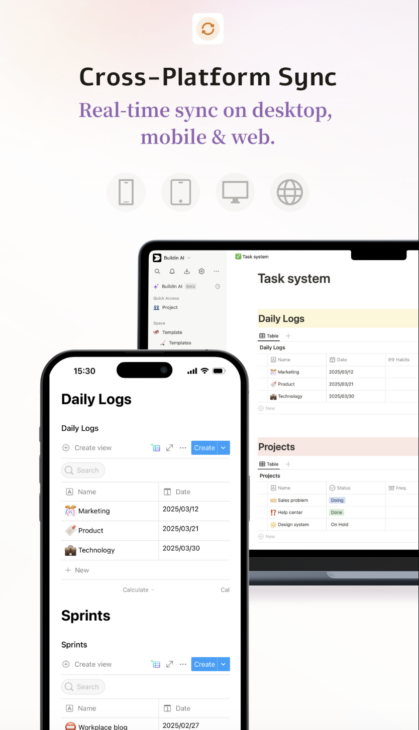
If you are a fan of productivity tools, you already know the concept of a “Second Brain” – a digital system to capture, organize, and retrieve your ideas. Buildin is exactly that: an all-in-one AI workspace designed to handle documents, notes, tasks, wikis, mind maps, and databases.
At first glance, it looks like a direct competitor to industry giants like Notion. It allows you to create pages, embed rich media, and link everything together bi-directionally. However, Buildin has a massive trick up its sleeve. It is not just about organizing your life; it is about monetizing it effortlessly.
The platform allows users to sell subscriptions to their documents, templates, or entire knowledge spaces directly. You can generate recurring revenue without ever needing to integrate a third-party checkout tool or an external storefront.
How the Hustle Actually Works
Let us say you are a law student with the best contract law outlines in your entire graduating class. In the past, you might have shared a Google Doc link for free, or maybe tried to awkwardly sell a PDF on an external site.
With this new wave of productivity tech, the workflow is brilliantly simple:
- Import Your Existing Chaos: Buildin supports importing directly from formats like Markdown, HTML, Word, CSV, and Notion. This feature allows you to effortlessly migrate your existing data without starting from scratch.
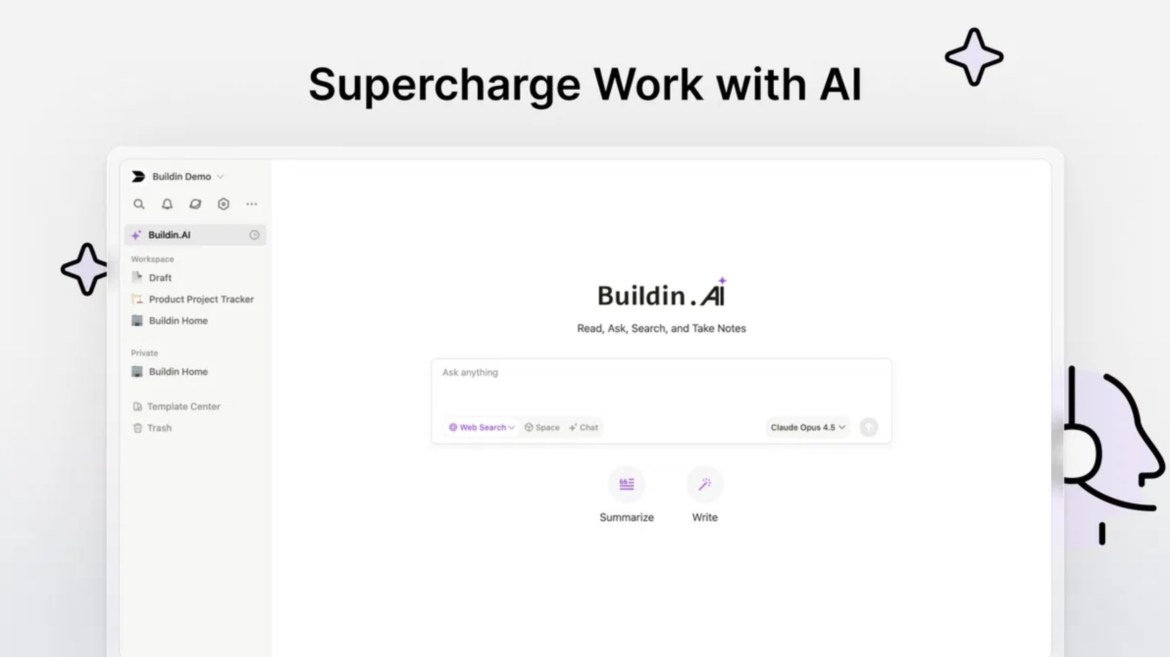
- Let AI Clean It Up: The platform features a built-in AI writing assistant. This tool can refine your text, summarize long passages, translate languages, and generate new ideas to overcome creative bottlenecks.
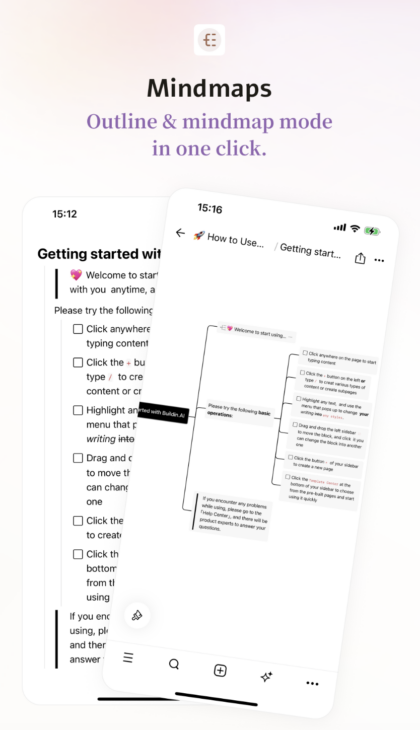
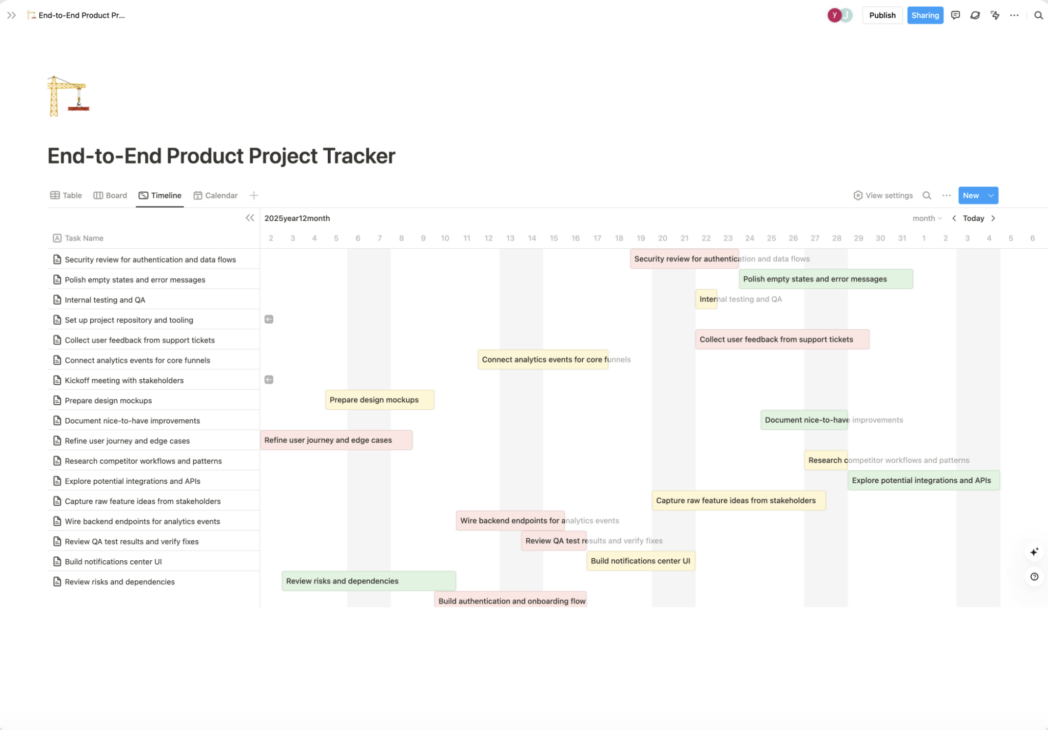
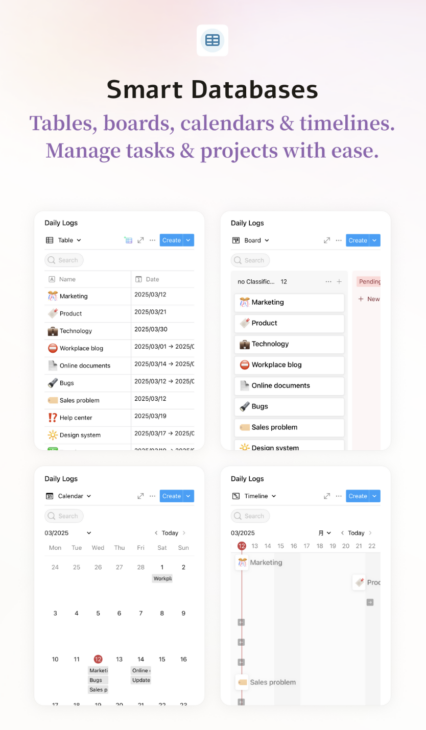
- Visualize the Data: Users can easily switch between standard outline notes and visual mind maps to dynamically structure their ideas. You can also organize your project data into flexible views like tables, lists, boards, timelines, and calendars.
- Set a Price: Once your workspace is a highly valuable study resource, you can put it behind a paywall. The app allows you to sell subscriptions to your content natively.
“It really does bring docs, project management, and content selling together in a meaningful way… you can sell without needing some other platform.”
The Ultimate Study Group Hub
Studying in a vacuum is rarely the best way to learn, and modern apps recognize this. Beyond the solo hustle, this software acts as a powerhouse for collaborative work.
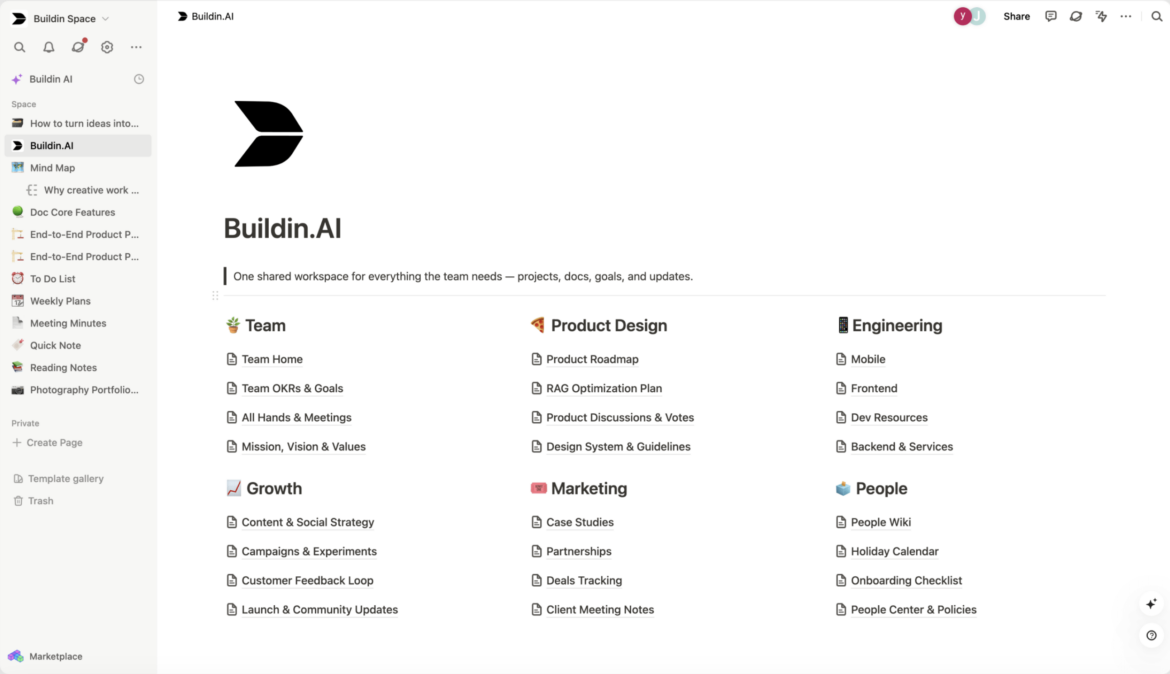
- Real-Time Editing: The app features one-click sharing for real-time editing and commenting. This provides seamless teamwork and instant notifications for all members.
- Granular Permissions: You can assign custom roles and permissions to specific users. The system also utilizes automatic backups and version control to prevent accidental data loss.
- Third-Party Embeds: The workspace supports extensive third-party integrations. You can embed design tools like Figma and Canva directly into your notes for a richer experience.
By keeping all your collaborative tools and external media in one centralized hub, you eliminate the need to frantically switch between tabs during a study session. Everything you need is already exactly where you left it.
Why Are People Jumping Ship to Use It?
You might be thinking, “I already use a dozen apps to manage my life. Why switch?”
According to early adopters and productivity geeks, the main draw is the sheer speed and lack of clutter. While older workspace apps have become bloated with overly complex features over the years, this platform is praised for maintaining a clean, fast, and minimalist user interface.
Furthermore, the AI integration feels baked-in rather than bolted on. Instead of feeling like a gimmick, the AI assistant acts as a “Space Q&A”. This means you can ask the AI questions based purely on your past documents and notes, and it will instantly retrieve the answer from your database. It is essentially an open-book test where the book reads itself.
Buildin vs. The Old Way of Taking Notes
To put things in perspective, here is how managing your knowledge in 2026 compares to the old days of basic cloud documents:
| Feature | Standard Cloud Docs | Buildin.AI |
| Monetization | Requires external storefronts | Built-in subscription selling |
| Organization | Standard nested folders | Databases, boards, and mind maps |
| Information Retrieval | Manual keyword search | “Space Q&A” AI queries |
| Content Creation | Manual typing | AI writing, summarizing, and translating |
The Verdict: Time to Sell Your Notes?
If you are someone who just wants to jot down a grocery list, a massive, database-driven workspace might be overkill. But if you are a student, a creator, a consultant, or just someone who meticulously documents their hobbies, your notes have inherent value.
The gig economy has evolved. You no longer have to drive for a rideshare app to make extra cash; you just have to be really, really good at taking notes. By centralizing your productivity and your storefront into a single app, you remove the friction of becoming a digital creator.
So, go ahead and color-code that study guide. In 2026, those highlighters might just pay for your next semester.